Personal Finance · Dark Mode - Template 92
Simple Budget, Dark Mode
One clean dark page for income, bills, debt and savings.
Microsoft Excel◆Google Sheets◆.xlsx files
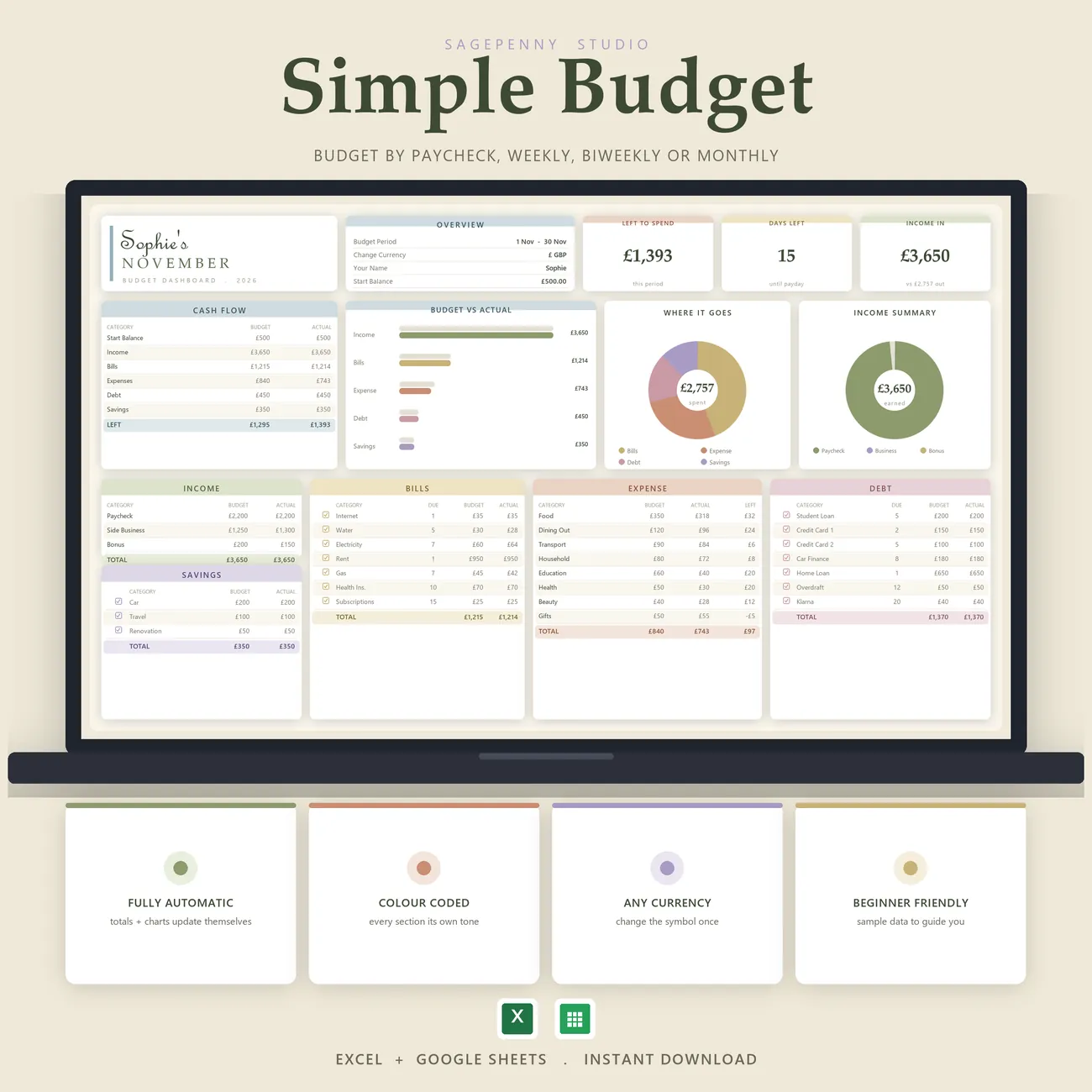
Budgeting made simple, in dark mode. Your income, bills, expenses, debt and savings sit on a single colour-coded dashboard that adds up automatically, so you always see what is left to spend. Budget by paycheck, weekly, biweekly or monthly. Tick off bills, debt and savings as you pay, catch every recurring charge with monthly and yearly subscription totals, and change the currency symbol once so the totals follow. A full dark theme runs through every tab and every chart. It opens in Excel and in Google Sheets from the same download, with a blank copy, a filled-in example and a setup guide.
What's inside · 9 tabs
- Start Here - a three step setup
- Budget Dashboard - Left to Spend, Days Left, Budget vs Actual and a Where It Goes chart
- Expense Tracker - log spending by category
- Bills Tracker - tick off bills as you pay them
- Subscriptions - monthly and yearly totals for every recurring charge
- Sinking Funds - save for the costs you can see coming
- Goal Tracker - savings and debt goals with progress
- Yearly Overview - the whole year on one page
- Settings - categories, pay period and a one cell currency switch
In Motion
Add it once, the dashboard adds it up.
Log spending and tick off bills and the dashboard, the charts and the yearly overview all update themselves.
Pairs Beautifully With