Personal Finance - Template 89
Income & Expense Tracker
Paste your bank statement in. Every tab fills itself in.
Microsoft Excel◆Google Sheets◆.xlsx files
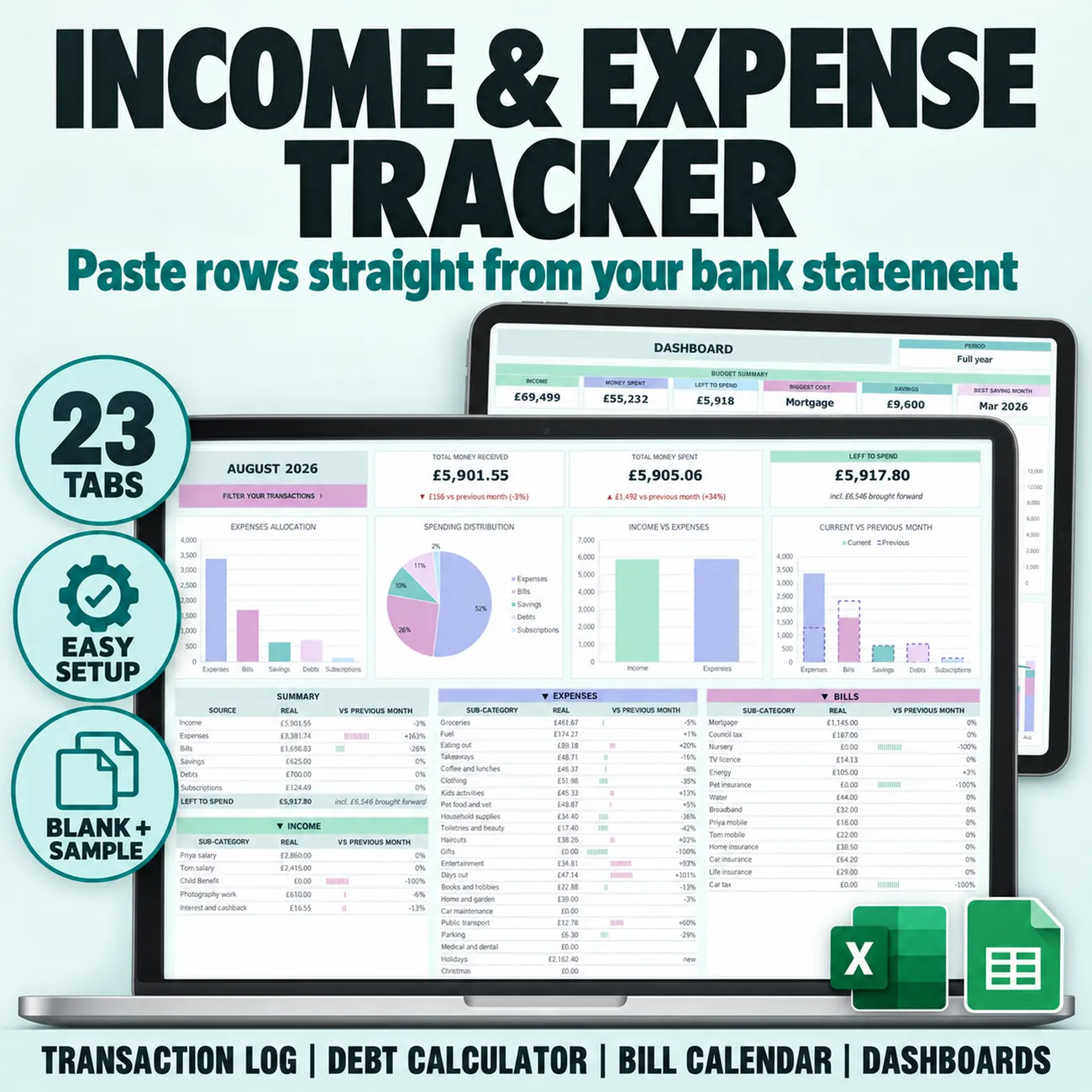
See exactly where your money goes. Paste the rows from your bank statement into one transaction log, pick a sub-category for each, and your 12 monthly tabs, dashboard, annual totals and bill calendar fill themselves in. Every line on every monthly tab is compared with the month before, so overspending shows up at a glance. Choose Carried over, where what you did not spend moves into next month, or Zero-based, where every month starts from zero. Sinking funds, a debt calculator with Avalanche and Snowball, net worth and a no-spend challenge are built in. It opens in Excel and in Google Sheets from the same download, with a blank copy and a year of sample data.
What's inside · 23 tabs
- Setup - start month, opening balance, strategy, currency and up to 120 sub-categories in 6 categories
- Transactions - one log for 2,000 transactions - paste Date, Description and Amount from your bank
- Filter - find any transactions by date, amount, category or sub-category, sorted how you like
- Dashboard - income, money spent, left to spend, biggest cost and best saving month, for the year or one month
- Annual Totals - every category and sub-category month by month, spending ranked largest first
- Bill Calendar - every bill on its date, and logged payments tick themselves off
- 12 Monthly Tabs - every line against the previous month, with colour-coded bars
- Sinking Funds - 10 fund cards with progress rings and an estimated finish date
- Debt Calculator - up to 5 debts, Avalanche, Snowball or your own order, and your debt free date
- Net Worth & No-Spend Challenge - assets and liabilities month by month, and no-spend days on 12 mini calendars
In Motion
Paste it once, every tab reads it.
Drop in your bank statement rows and the monthly tabs, the dashboard, the annual totals and the bill calendar all fill themselves in.
Pairs Beautifully With