Productivity · Dark Mode - Template 91
Smart Habit Tracker, Dark Mode
Tick a box. Streaks, charts and rankings update themselves.
Microsoft Excel◆Google Sheets◆.xlsx files
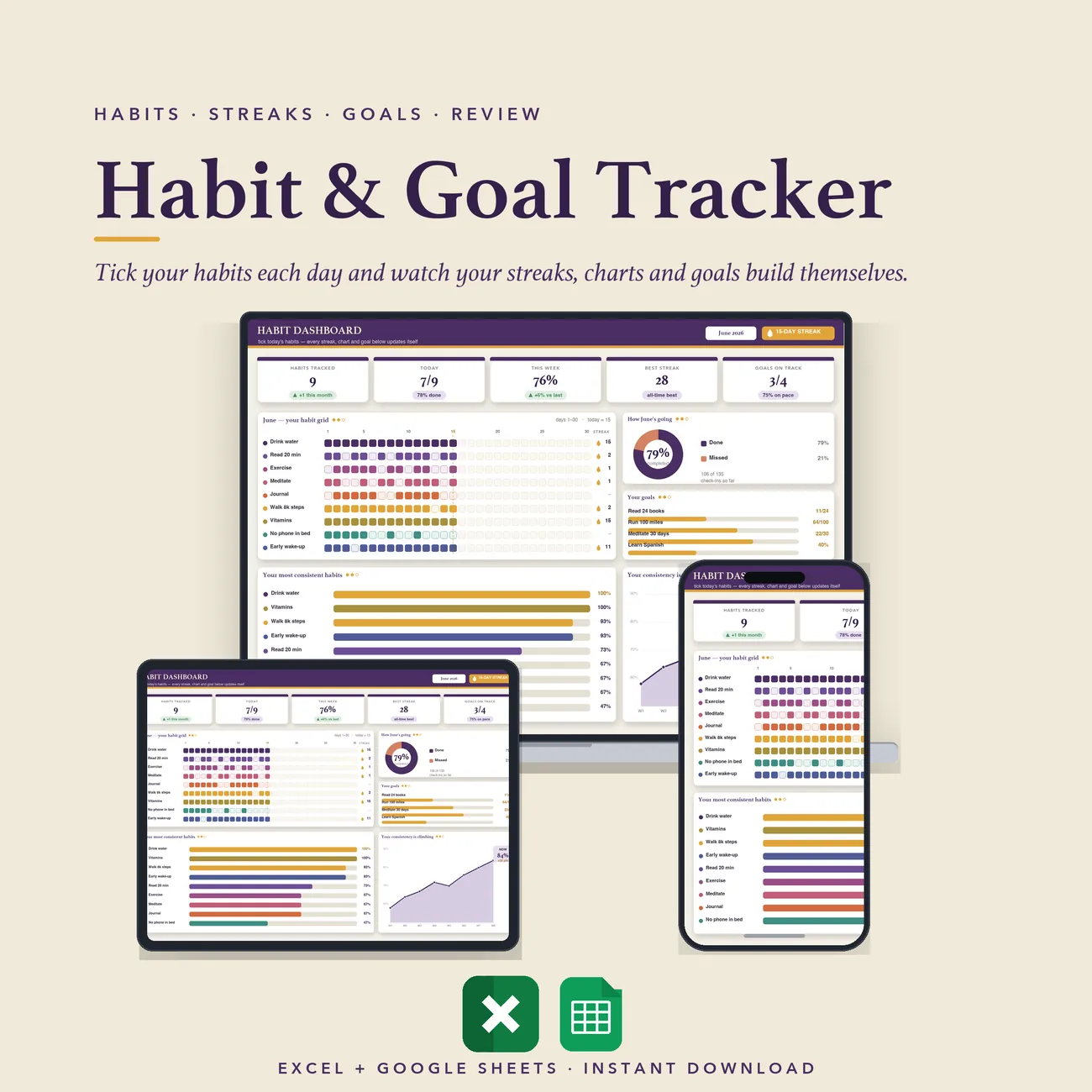
Build habits, watch your streaks grow and see how your routines are really going on one dark, easy-on-the-eyes dashboard. Track up to thirty daily habits and fifteen weekly ones, choose any month and year from a dropdown and every day header, week and chart rebuilds. See your current and longest streak for each habit, a daily percentage chart, an overall progress ring, a colour-coded weekly overview and ranked top lists. Set your own goal for each habit and mark it Active, Focus or Paused. It opens in Excel and in Google Sheets from the same download, with a blank copy and a filled-in example.
What's inside · 3 tabs
- Start Here - how to set up the tracker in three steps
- Habit Tracker - calendar settings, a daily percentage chart, an overall progress ring, a weekly overview, top 10 daily habits, the daily and weekly habit grids and the top 3 weekly habits, all on one tab
- Settings - your habits, goals and statuses, and the lists behind every dropdown
In Motion
Tick it once, the whole tracker moves.
Change the month or tick a habit and the streaks, the progress ring and the rankings all update themselves.
Pairs Beautifully With