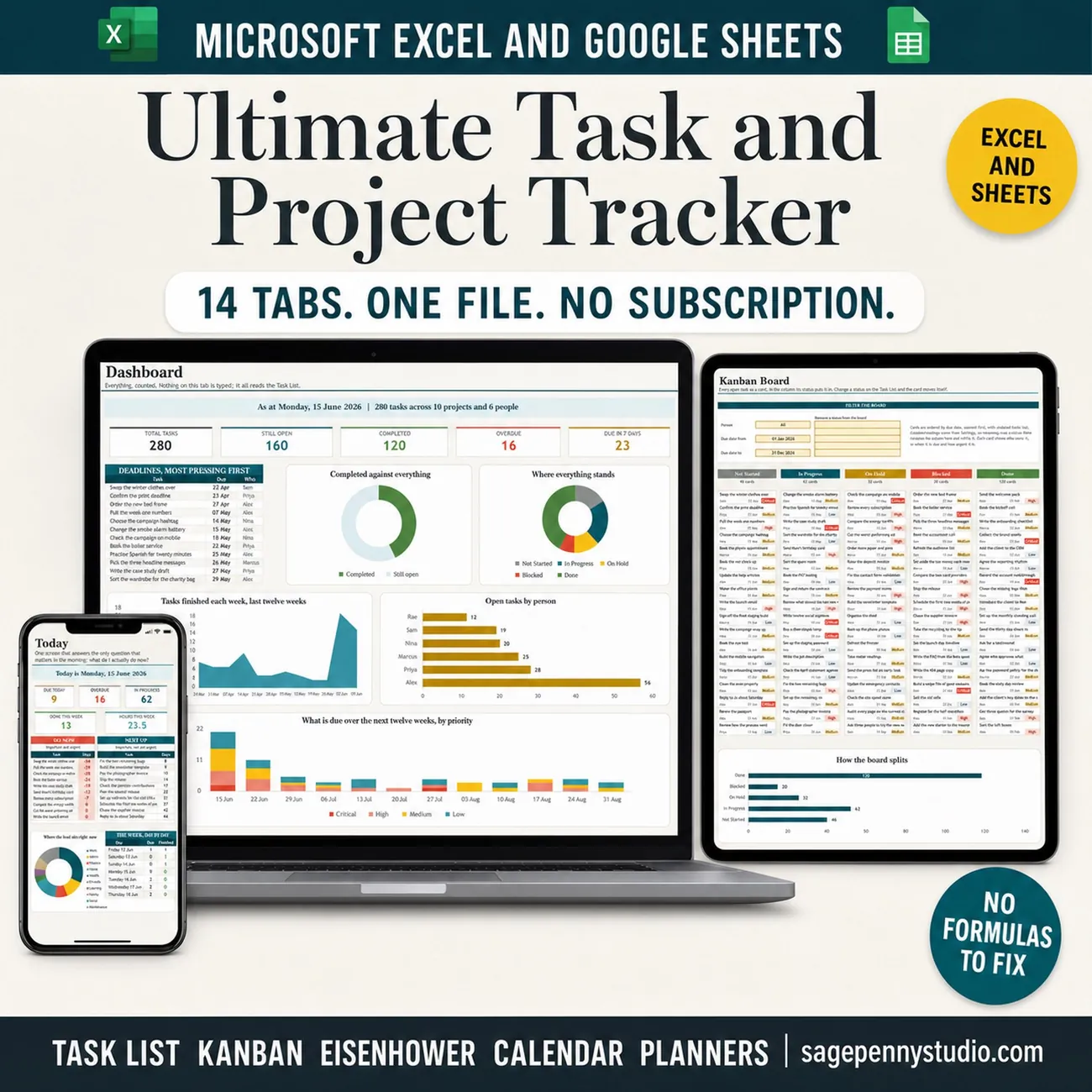
Productivity - Template 72
All-in-One Project Manager
One task list, fourteen tabs, and every one of them fills itself in.
Microsoft Excel◆Google Sheets◆.xlsx file
Most project trackers hand you a Gantt chart and a board and leave you to keep both up to date by hand. This one asks you to type in one place. Change a status and the card moves itself on the Kanban board; set a due date and the Gantt, the decision matrix, both calendars, the workload and the dashboard all know about it. Recurring tasks schedule themselves across eight frequencies, month end dates included, and progress is weighted by working days rather than by counting tasks. One file opens in Excel 2016 and later and in Google Sheets, with no add ons and no macros.
What's inside · 14 tabs
- Projects - one row per project, with progress and a red, amber or green verdict
- Task List - the one register you type into - 400 rows, 17 columns, a filter on every heading
- Recurring Tasks & Task Schedule - eight frequencies, and every dated occurrence written out for you
- Gantt Chart - six weeks of timeline grouped into phases, with your own bar colours
- Kanban Board - every open task as a card, moved by its stage
- Decision Matrix - Do First, Schedule, Delegate and Drop, with urgency worked out from the due date
- Weekly Schedule & Monthly Calendar - seven day cards with completion rings, and a month grid with status filters
- Workload - hours per person per week against the capacity you set
- Phase Progress - duration weighted progress, a forecast finish and days of slack
- Project Dashboard & Settings - nine live charts, today's work and what is overdue, and every list yours to edit
In Motion
Set a routine once, it schedules itself.
Type a task on the Task List and watch the Gantt chart, the Kanban board, the matrix and both calendars pick it up.
Pairs Beautifully With